How to Leverage a Messenger Bot for Your Shopify Store
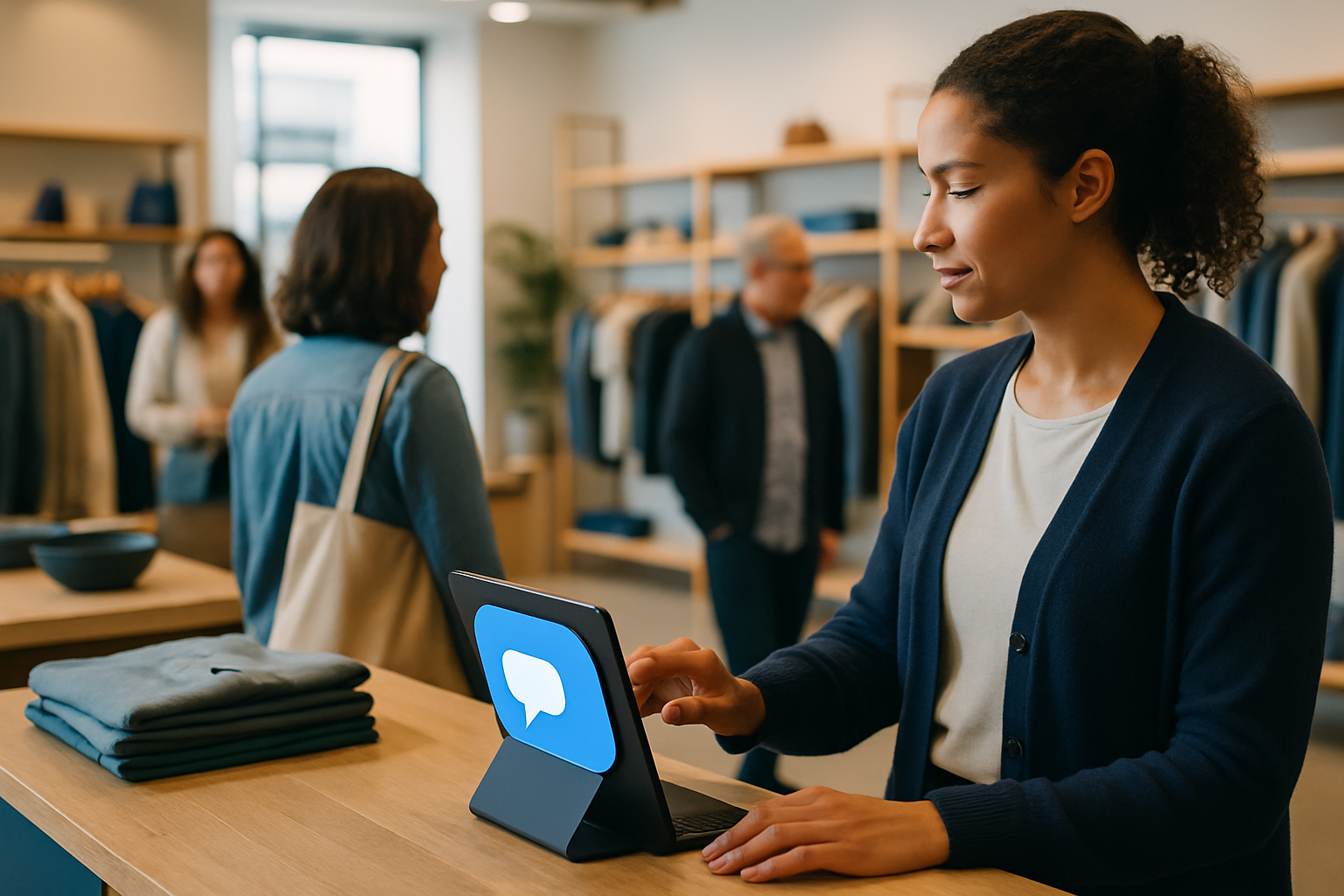
In today's digital age, enhancing customer engagement is crucial for the success of any online store. For Shopify store owners, integrating a Messenger bot can be a game-changer. These AI-powered assistants not only streamline customer interactions but also provide a seamless shopping experience. This article explores how you can leverage a Messenger bot for your Shopify store, the key features to look for, and how AssistFlow fits into this landscape.
Understanding Messenger Bots for Shopify
Messenger bots are automated chat systems that interact with customers via messaging platforms like Facebook Messenger. For Shopify store owners, these bots can handle a variety of tasks such as answering customer queries, providing product recommendations, and even processing orders. By automating these interactions, store owners can save time and focus on other aspects of their business.
Key Features of a Shopify Messenger Bot
When selecting a Messenger bot for your Shopify store, consider the following features:
- Automated Customer Support: The bot should handle common customer inquiries, reducing the need for human intervention.
- Product Recommendations: AI-driven suggestions can enhance the shopping experience by guiding customers to relevant products.
- Order Tracking: Customers should be able to inquire about their order status directly through the bot.
- Seamless Integration: Ensure the bot integrates smoothly with your existing Shopify setup.
- Personalization: The ability to personalize interactions based on customer data can significantly improve engagement.
Benefits of Implementing a Messenger Bot
Integrating a Messenger bot into your Shopify store offers several advantages:
- 24/7 Availability: Bots provide round-the-clock support, ensuring customer queries are addressed promptly.
- Increased Sales: By offering personalized recommendations and promotions, bots can drive sales.
- Cost Efficiency: Reducing the need for a large customer service team can lower operational costs.
- Enhanced Customer Satisfaction: Quick responses and helpful interactions lead to higher customer satisfaction.
Where AssistFlow Fits
AssistFlow offers a comprehensive solution for Shopify store owners looking to enhance customer engagement through AI. With its Shopify Facebook Messenger AI, AssistFlow provides an omnichannel platform that integrates seamlessly with Shopify. This allows for streamlined customer interactions across multiple channels, all managed from a single Omni Inbox. Additionally, AssistFlow supports various languages and offers a unified approach to customer service, making it a valuable addition to any Shopify store.
Implementing Your Messenger Bot Strategy
To effectively implement a Messenger bot strategy, follow these steps:
- Define Your Objectives: Determine what you want to achieve with the bot, such as increasing sales or improving customer support.
- Select the Right Platform: Choose a solution like AssistFlow that offers robust integration with Shopify.
- Customize the Bot: Tailor the bot's responses and capabilities to align with your brand's voice and customer needs.
- Monitor and Optimize: Regularly review bot performance and make necessary adjustments to improve efficiency.
Concrete Implementation Steps for a Shopify Messenger Bot
Successfully implementing a Messenger bot for your Shopify store involves a series of strategic steps that ensure the bot aligns with your business goals and enhances the customer experience. Here’s a detailed guide to help you get started:
- Identify Customer Pain Points: Before deploying a Messenger bot, conduct a thorough analysis of common customer pain points. This could involve reviewing customer service logs to identify frequently asked questions or issues that often arise during the shopping process. Understanding these pain points will allow you to tailor the bot's functionality to address specific customer needs effectively.
- Design the Conversation Flow: A well-designed conversation flow is crucial for a successful Messenger bot. Map out potential customer interactions, ensuring that responses are clear, concise, and helpful. Consider incorporating decision trees that guide customers through various scenarios, such as product inquiries or order tracking, to provide a seamless experience.
- Integrate with Shopify: Ensure that the Messenger bot integrates seamlessly with your Shopify store. This includes syncing product catalogs, customer data, and order management systems. A smooth integration will allow the bot to provide real-time information and updates to customers, enhancing the overall shopping experience.
- Test and Optimize: Once the bot is live, conduct regular testing to identify any issues or areas for improvement. Gather feedback from customers and monitor key performance indicators such as response time and customer satisfaction rates. Use this data to make iterative improvements to the bot’s functionality and conversation flow.
By following these steps, Shopify store owners can deploy a Messenger bot that not only meets customer needs but also drives business growth through enhanced engagement and efficiency.
Trade-offs and Mistakes to Avoid When Using Messenger Bots
While implementing a Messenger bot for your Shopify store can offer numerous benefits, it’s important to be aware of potential trade-offs and common pitfalls that could hinder your success. Here are some considerations to keep in mind:
- Over-Automation: One of the main advantages of a Messenger bot is automation, but over-reliance on automated responses can lead to a lack of personalization. It’s crucial to strike a balance between automation and human touch. Ensure that the bot can escalate complex queries to a human agent when necessary, preserving the quality of customer service.
- Inadequate Training: A Messenger bot is only as good as the data it’s trained on. Without proper training, the bot may provide inaccurate or unhelpful responses. Regularly update the bot's knowledge base with new information and feedback to keep it relevant and effective.
- Ignoring Customer Feedback: Customer feedback is invaluable in optimizing your Messenger bot. Ignoring feedback can result in missed opportunities for improvement. Actively seek out and analyze customer input to refine the bot’s performance and enhance user satisfaction.
- Neglecting Security: As with any digital tool, security is paramount. Ensure that your Messenger bot complies with data protection regulations and implements robust security measures to safeguard customer information. This builds trust and confidence among your customers.
By being mindful of these trade-offs and avoiding common mistakes, you can maximize the effectiveness of your Messenger bot and ensure it contributes positively to your Shopify store’s customer engagement strategy.
FAQ
What is a Messenger bot for Shopify?
A Messenger bot for Shopify is an AI-powered chat system that interacts with customers through messaging platforms, enhancing customer service and streamlining sales processes.
How can a Messenger bot increase sales?
A Messenger bot can increase sales by providing personalized product recommendations, offering promotions, and facilitating a seamless shopping experience for customers.
Is it difficult to integrate a Messenger bot with Shopify?
Integrating a Messenger bot with Shopify is typically straightforward, especially with platforms like AssistFlow that offer seamless integration and support for multiple channels.
Can Messenger bots handle complex customer queries?
While Messenger bots are excellent for handling routine inquiries, complex queries may still require human intervention, which can be facilitated through AssistFlow's Omni Inbox feature.
What languages do Messenger bots support?
Most advanced Messenger bots, including those from AssistFlow, support multiple languages, making them suitable for stores with a diverse customer base.
Incorporating a Messenger bot into your Shopify store can transform your customer engagement strategy, making it more efficient and effective. To explore how AssistFlow can support your Shopify store, learn more about their AI store assistant today.