How to Build AI Talking Avatar for Web for Free
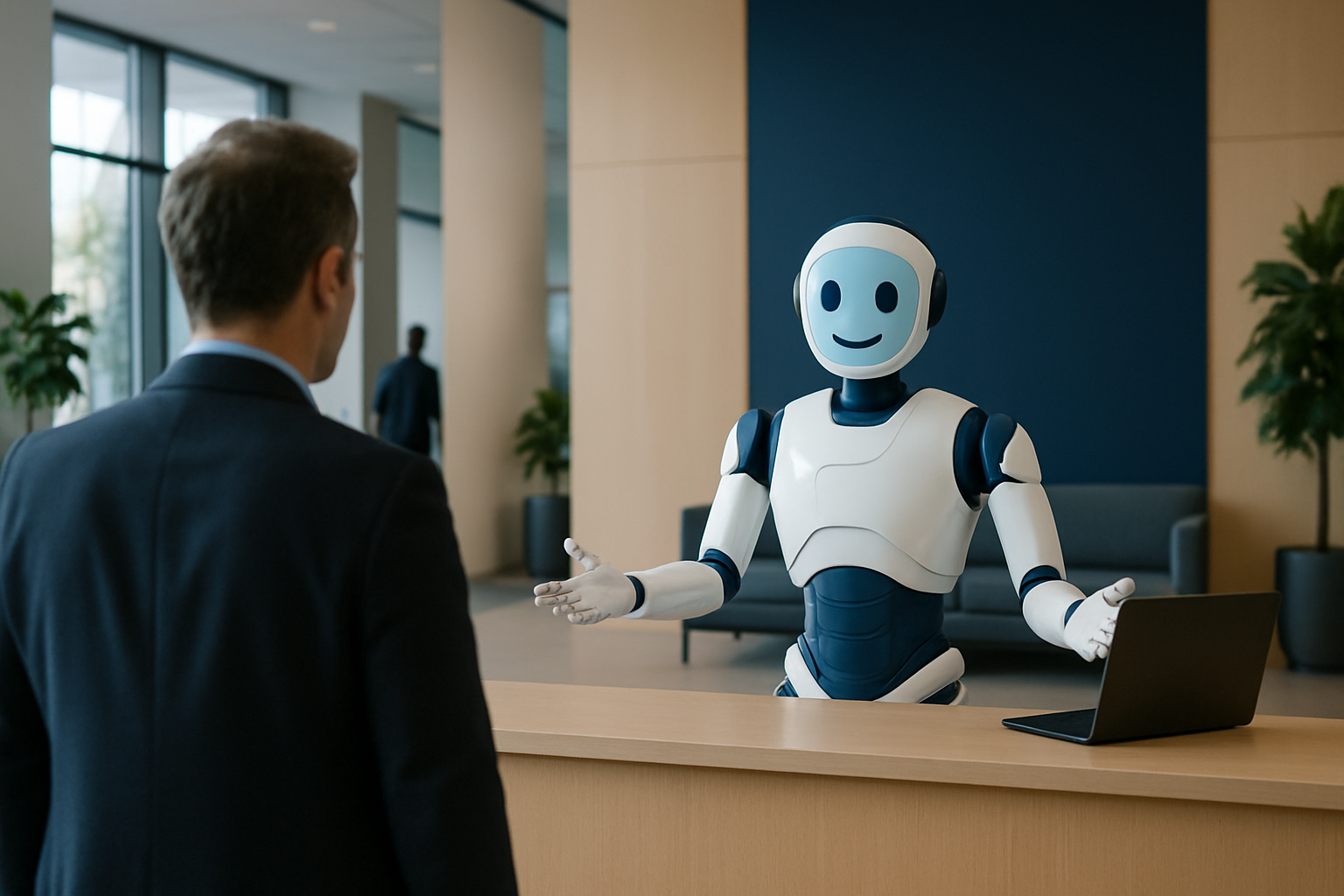
In the digital age, interactive and engaging web experiences are crucial for capturing user attention. One way to achieve this is by integrating AI talking avatars into your web applications. These avatars can provide a human-like interaction, enhancing user experience and engagement. This guide will walk you through the process of building an AI talking avatar for the web, leveraging free tools and platforms.
AI talking avatars can serve multiple purposes, from acting as virtual receptionists to providing customer service in retail settings. By utilizing technologies like WebGL and Vapi, you can create a sophisticated avatar that interacts seamlessly with users. This article will explore the necessary tools, technologies, and steps involved in creating these avatars.
Understanding the Core Technologies
To build an AI talking avatar, you need to understand the core technologies involved. These include 3D avatar rendering, AI conversation engines, and voice integration.
3D Avatar Rendering
3D avatar rendering uses WebGL and Three.js to create realistic holographic displays. These technologies allow for the creation of dynamic and lifelike avatars that can interact with users in real-time.
AI Conversation Engines
AI conversation engines, such as Convai, handle natural language processing and responses. This technology ensures that your avatar can understand and respond to user queries effectively.
Voice Integration
Voice integration is managed through platforms like Vapi, which provides outbound call functionality and voice synthesis. This allows your avatar to communicate with users through voice, enhancing the interaction experience.
Steps to Build Your AI Talking Avatar
Building an AI talking avatar involves several steps, from setting up your development environment to deploying your avatar on the web.
1. Set Up Your Development Environment
Begin by setting up a development environment using React, TypeScript, and Three.js. These tools will help you create the frontend of your avatar application.
2. Integrate AI and Voice Services
Integrate AI services like Convai for natural language processing and Vapi for voice capabilities. These integrations will enable your avatar to understand and respond to user interactions.
3. Create and Render Your Avatar
Use platforms like Ready Player Me or MetaHuman to create your avatar. Render the avatar using WebGL and Three.js for a realistic appearance.
4. Implement Automation Workflows
Utilize Make.com for automation workflows, allowing your avatar to perform tasks like making outbound calls or managing user interactions.
Use Cases for AI Talking Avatars
AI talking avatars can be applied in various settings to enhance user experience and streamline operations.
Building Security
In building security, avatars can manage visitor verification and entry, ensuring only authorized individuals gain access.
Reception Areas
In reception areas, avatars can act as virtual receptionists, providing information and assistance to visitors.
Retail Spaces
In retail spaces, avatars can assist customers with product information and purchasing decisions.
Healthcare
In healthcare, avatars can facilitate patient check-in and appointment scheduling, improving efficiency and patient experience.
Where AssistFlow Fits
AssistFlow.ai provides a comprehensive platform for integrating AI avatars into your web applications. With support for various channels and advanced AI capabilities, AssistFlow can help you create seamless and engaging user experiences.
For businesses looking to explore AI-powered solutions, AssistFlow offers a self-serve website chatbot plan with a free 14-day trial. Sign up today to experience the benefits of AI avatars in your web applications.
Common Challenges and Mistakes to Avoid
When building an AI talking avatar, there are several common challenges and mistakes that developers might encounter. Understanding these can help you avoid pitfalls and streamline the development process. One major challenge is ensuring the avatar's speech and responses are natural and contextually relevant. This requires fine-tuning the AI conversation engine to handle a wide range of user queries and interactions. Failing to do so can result in robotic and unengaging interactions that detract from the user experience.
Another common issue is the performance and loading time of the avatar. Using complex 3D models and high-resolution textures can lead to slow loading times, especially on devices with limited processing power. To mitigate this, developers should optimize the 3D assets and consider using lower-resolution models that still maintain a satisfactory level of detail.
Additionally, integrating voice capabilities can be challenging if not properly planned. Developers should ensure that the voice synthesis is synchronized with the avatar's lip movements to maintain a realistic interaction. This requires careful coordination between the AI conversation engine and the voice integration platform.
Lastly, security and privacy concerns must be addressed, particularly when handling user data. Implementing robust data protection measures and ensuring compliance with relevant regulations is crucial to maintaining user trust. By proactively addressing these challenges, developers can create more effective and engaging AI talking avatars.
Hypothetical Case Study: Implementing an AI Avatar in a Retail Setting
Consider a hypothetical scenario where a retail company decides to implement an AI talking avatar on their e-commerce website to enhance customer service. The goal is to provide real-time assistance to customers, helping them find products, answer queries, and facilitate the purchasing process. The company begins by setting up a development environment using React and Three.js to create a user-friendly interface and realistic 3D avatar.
They integrate Convai for natural language processing to ensure the avatar can understand and respond to a variety of customer inquiries. Vapi is used to add voice capabilities, allowing the avatar to communicate verbally with users, making the interaction more personal and engaging.
The company also employs Make.com to automate workflows, such as processing customer orders and providing updates on shipping status. By leveraging these technologies, the avatar is able to guide customers through the buying process, answer questions about products, and even suggest complementary items based on customer preferences.
Throughout the implementation, the company monitors user interactions and gathers feedback to continuously improve the avatar's performance. They focus on optimizing the avatar's response time and ensuring that the voice synthesis is closely aligned with the avatar's lip movements. This attention to detail helps create a seamless and immersive shopping experience, ultimately leading to increased customer satisfaction and sales.
FAQ
What is a 3D avatar?
A 3D avatar is a digital representation of a person or character, rendered in three dimensions. It can interact with users in a virtual environment, providing a more engaging and lifelike experience.
How does WebGL contribute to avatar creation?
WebGL is a JavaScript API used for rendering interactive 3D graphics within web browsers. It enables the creation of realistic and dynamic avatars that can interact with users in real-time.
What role does Vapi play in AI avatars?
Vapi provides voice integration capabilities, allowing avatars to communicate with users through voice. This enhances the interaction experience by making it more natural and human-like.
Can AI avatars be customized?
Yes, AI avatars can be customized using platforms like Ready Player Me and MetaHuman. These platforms offer tools for creating unique and personalized avatars tailored to specific use cases.
How can AssistFlow assist in implementing AI avatars?
AssistFlow offers a robust platform for integrating AI avatars into web applications. With features like omnichannel support and advanced AI capabilities, AssistFlow can help businesses enhance user engagement and streamline operations.
Integrating AI talking avatars into your web applications can revolutionize user interaction and engagement. By leveraging technologies like WebGL, Vapi, and AI conversation engines, you can create dynamic and interactive avatars that enhance the user experience. Explore the possibilities with AssistFlow and start building your AI talking avatar today. Contact us for more information or to schedule a demo.