AI Assistant for WooCommerce - Kestrel: Enhance Your Retail Experience
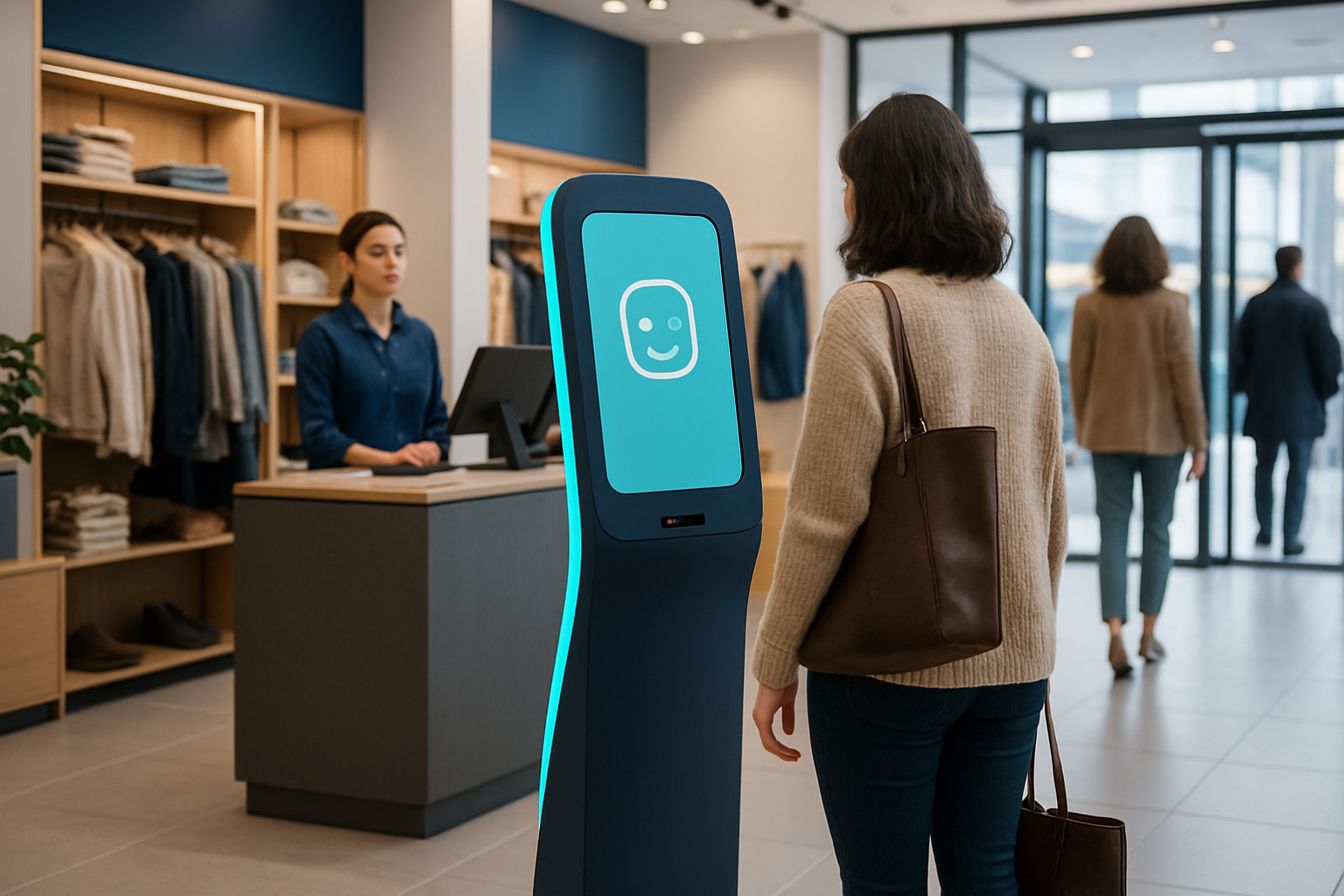
In the competitive world of e-commerce, providing exceptional customer service while managing operations efficiently is crucial. For WooCommerce store owners, integrating an AI assistant can be a game-changer. This article explores how an AI assistant for WooCommerce, such as AssistFlow, can enhance your retail experience by improving customer engagement and streamlining processes.
The Benefits of an AI Assistant for WooCommerce
AI assistants are revolutionizing the way businesses interact with customers. For WooCommerce stores, an AI assistant can automate responses to common inquiries, manage inventory updates, and provide personalized product recommendations. This not only enhances customer satisfaction but also frees up valuable time for store owners to focus on other aspects of their business.
Improved Customer Service
An AI assistant can handle multiple customer queries simultaneously, ensuring that no customer is left waiting. By providing instant responses and solutions, AI assistants help maintain a high level of customer satisfaction.
Streamlined Operations
With the ability to automate routine tasks such as order tracking and inventory management, an AI assistant helps streamline operations. This reduces the workload on human staff and minimizes the risk of errors.
What to Look for in an AI Store Assistant for WooCommerce
When selecting an AI assistant for your WooCommerce store, consider features such as seamless integration, language support, and the ability to handle various communication channels. A robust AI assistant should also offer customization options to align with your store's specific needs.
Seamless Integration
Choose an AI assistant that integrates effortlessly with your existing WooCommerce setup. This ensures a smooth transition and minimizes any potential disruptions to your operations.
Multi-Channel Support
An effective AI assistant should support multiple communication channels, such as website chat, social media, and email. This allows you to engage with customers on their preferred platform.
Where AssistFlow Fits
AssistFlow provides a comprehensive AI store assistant solution for WooCommerce stores. With its omnichannel platform, AssistFlow allows you to manage customer interactions across various channels from a single interface. This includes website chat, WhatsApp, Instagram, and more, all centralized in one Omni Inbox.
For more details, visit the AssistFlow WooCommerce page.
AssistFlow Features for WooCommerce
AssistFlow offers a range of features tailored for WooCommerce stores. These include:
- Omni Inbox: Manage all customer interactions from a single interface.
- Multi-Channel Support: Engage with customers via website chat, social media, and other platforms.
- Language Support: Communicate with customers in over 150 languages.
- Human Handoff: Seamlessly transition conversations from AI to human agents when needed.
Getting Started with AssistFlow
Implementing AssistFlow's AI assistant for your WooCommerce store is straightforward. With a self-serve website chatbot plan starting at $19/month and a 14-day free trial, you can explore the benefits without a significant upfront investment. For more information, visit the AssistFlow Store Assistant page.
Implementation Steps for Integrating an AI Assistant in WooCommerce
Integrating an AI assistant like AssistFlow into your WooCommerce store involves a series of strategic steps to ensure a seamless transition and optimal use of the tool. Here is a step-by-step guide to help you get started:
Step 1: Define Your Goals
Before implementing an AI assistant, it is crucial to define what you aim to achieve. Are you looking to improve customer service, streamline operations, or both? Having clear objectives will guide the configuration of your AI assistant and its features.
Step 2: Assess Your Current Infrastructure
Review your existing WooCommerce setup and identify any potential compatibility issues. Ensure that your store's infrastructure can support the AI assistant's features, particularly if you plan to use multi-channel support and language capabilities.
Step 3: Choose the Right Plan
AssistFlow offers various plans to suit different business needs. Evaluate these options based on your budget and requirements. Take advantage of the 14-day free trial to explore the features and determine the best fit for your store.
Step 4: Integration and Customization
Once you have selected a plan, proceed with the integration of AssistFlow into your WooCommerce store. Customize the AI assistant to align with your brand's voice and customer service protocols. This includes setting up automated responses, inventory management alerts, and personalized recommendations.
Step 5: Test and Optimize
After integration, conduct thorough testing to ensure all functionalities are working as expected. Monitor customer interactions and gather feedback to identify areas for improvement. Continuously optimize the AI assistant's performance to enhance customer satisfaction and operational efficiency.
Potential Challenges and Mistakes to Avoid
While integrating an AI assistant can significantly benefit your WooCommerce store, there are common pitfalls to be aware of. Avoiding these mistakes will help you maximize the effectiveness of your AI assistant:
Underestimating Training Needs
One common mistake is underestimating the training required for both the AI assistant and your team. Ensure that the AI is properly trained to handle a wide range of customer queries and that your team understands how to manage the AI's interactions and handoffs.
Neglecting Customization
Failing to customize the AI assistant to your specific business needs can lead to generic interactions that do not resonate with your customers. Take the time to tailor the AI's responses and features to reflect your brand's unique selling points and customer service ethos.
Overlooking Data Privacy
Data privacy is a critical consideration when using AI assistants. Ensure that your AI solution complies with relevant data protection regulations and that customer data is handled securely. This will help build trust with your customers and prevent potential legal issues.
Ignoring Customer Feedback
Customer feedback is invaluable in refining the AI assistant's performance. Regularly collect and analyze feedback to identify areas for improvement. Use this data to make informed adjustments to the AI's functionalities and interactions.
By being aware of these challenges and taking proactive measures to address them, you can successfully integrate an AI assistant into your WooCommerce store and enjoy the benefits of enhanced customer engagement and streamlined operations.
FAQ
What is an AI assistant for WooCommerce?
An AI assistant for WooCommerce is a tool that automates customer interactions and operational tasks, improving efficiency and customer satisfaction.
How does AssistFlow integrate with WooCommerce?
AssistFlow integrates seamlessly with WooCommerce, allowing you to manage customer interactions across multiple channels from a single interface.
What channels does AssistFlow support?
AssistFlow supports a variety of channels including website chat, WhatsApp, Instagram, Facebook Messenger, and phone AI, all managed through an Omni Inbox.
Is there a trial period for AssistFlow's AI assistant?
Yes, AssistFlow offers a 14-day free trial for its self-serve website chatbot plan, allowing you to test the features before committing.
Can AssistFlow handle multiple languages?
Yes, AssistFlow supports over 150 languages, enabling you to communicate effectively with a diverse customer base.
In conclusion, integrating an AI assistant like AssistFlow into your WooCommerce store can significantly enhance customer engagement and streamline operations. To learn more about how AssistFlow can benefit your business, contact us for a demo today.